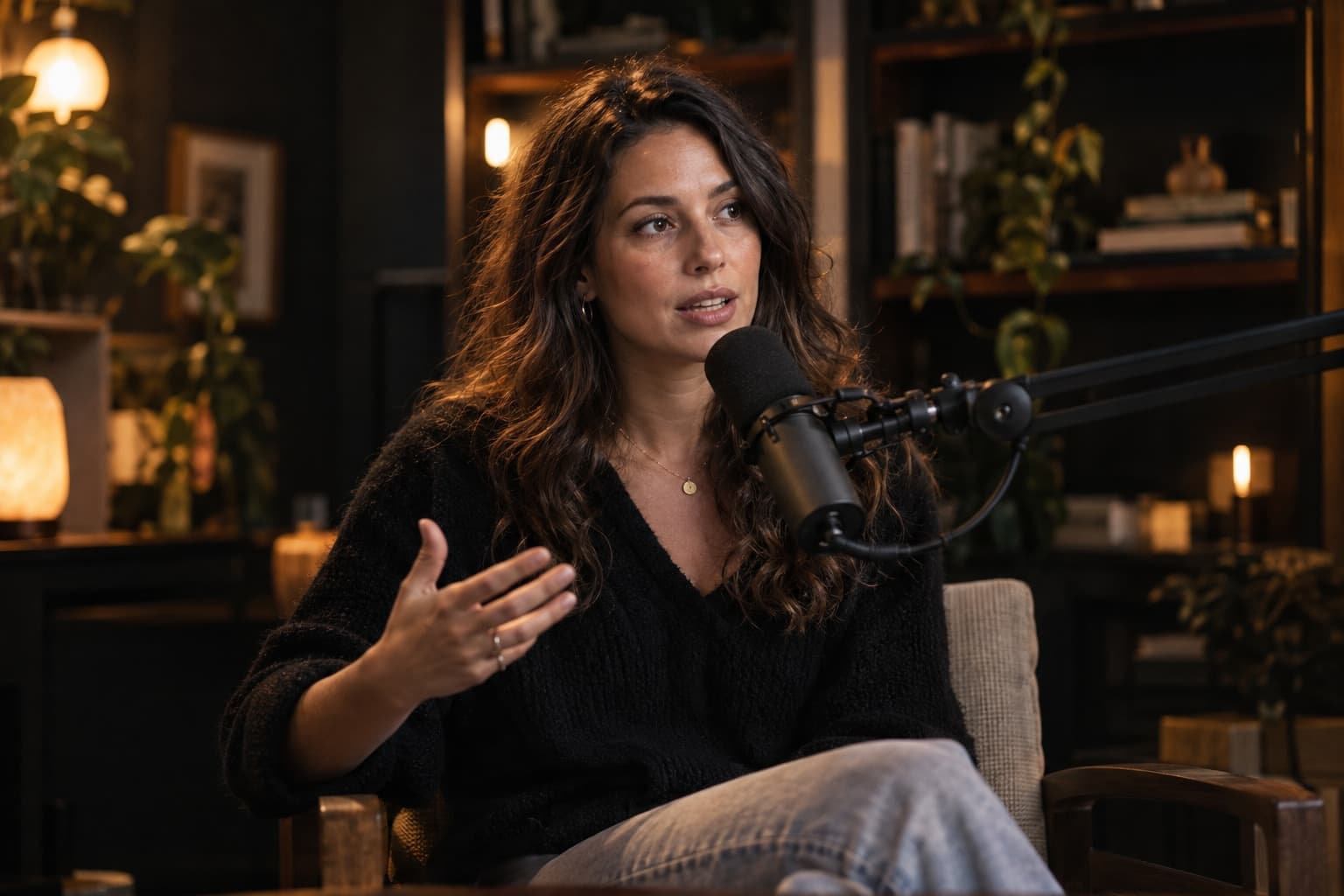
Talking to the Vidico Assistant to land the exact style
The Vidico Assistant is your advisor, not the editor. Learn what to tell it to get the sharpest recommendation.

The video for this lesson is coming soon
Until then, the written guide on this page covers every step.
Read the written guide01What the assistant does02Good answers03From suggestion to upload
In this lesson you'll learn
- The three things the assistant needs
- Comparing two suggested styles
- Going straight from suggestion to upload
Written guide
The same lesson, step by step in writing — for when you can't watch.
Step 1: Platform, audience, goal
Say where it will be published, who it's for and what it should do — sell, teach or entertain.
Step 2: Compare the samples
The assistant usually suggests two styles — look at the before and after of both.
Step 3: Start right away
Tap the chosen style and the upload page opens with it already selected.