Your first Vidico edit, in four minutes
From picking a style to downloading the result — we walk through a complete edit, step by step.
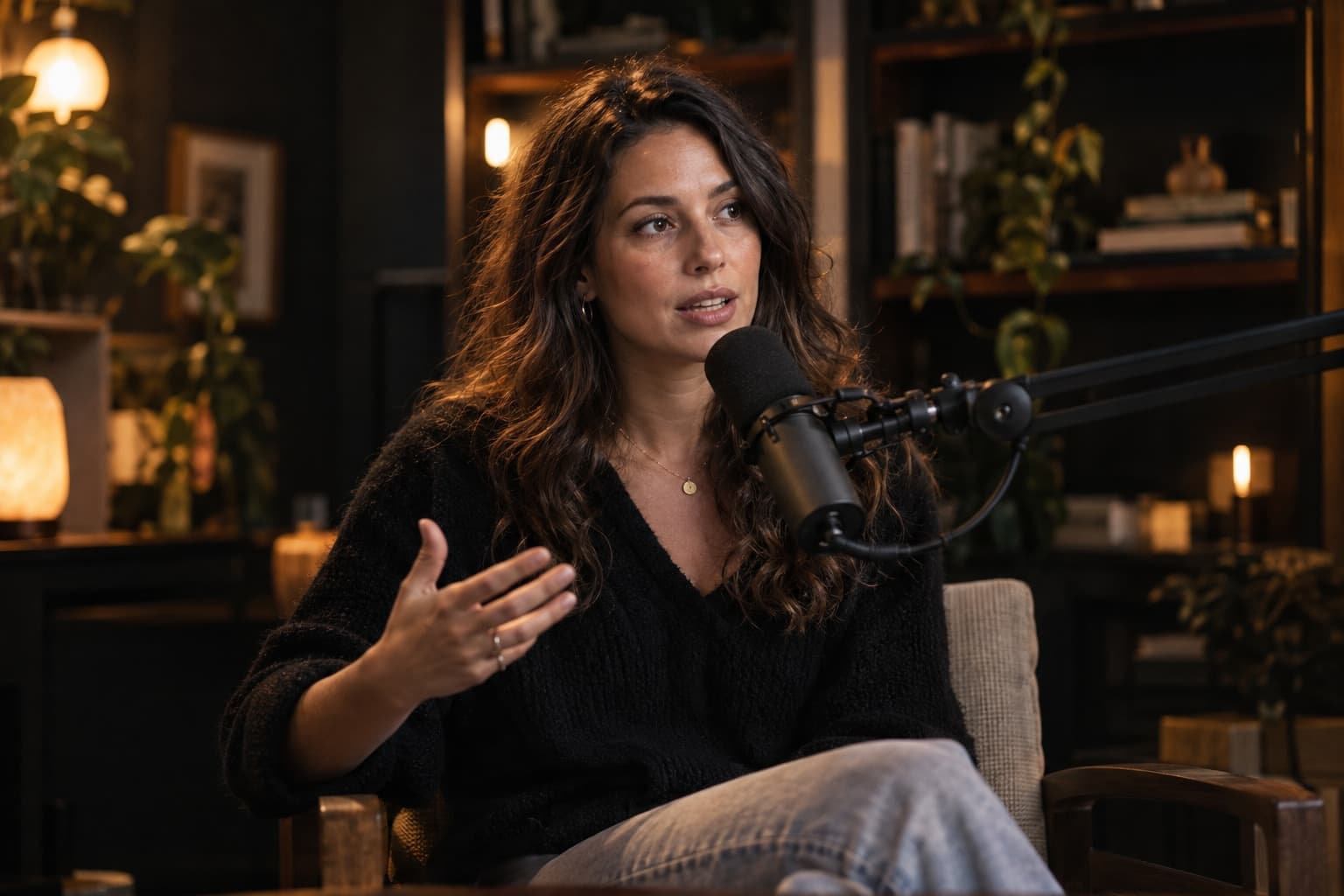
The video for this lesson is coming soon
Until then, the written guide on this page covers every step.
Read the written guideIn this lesson you'll learn
- Finding the right style in the library
- Uploading a video and confirming the cost before it starts
- Following the edit live and downloading the export
Written guide
The same lesson, step by step in writing — for when you can't watch.
Step 1: Pick a style
On the Styles page, compare each style's before and after. Not sure? Ask the Vidico Assistant — it recommends one from your platform and goal.
Step 2: Upload your raw video
Drag and drop the file. The price is worked out from the video's length and the style, and you see it before anything starts.
Step 3: Follow the edit
The studio shows every stage live — audio analysis, cuts, colour and captions. You don't need to keep the page open; we'll let you know when it's done.
Step 4: Download and publish
Download the export in the format you need. Want something changed? You have two free revisions.