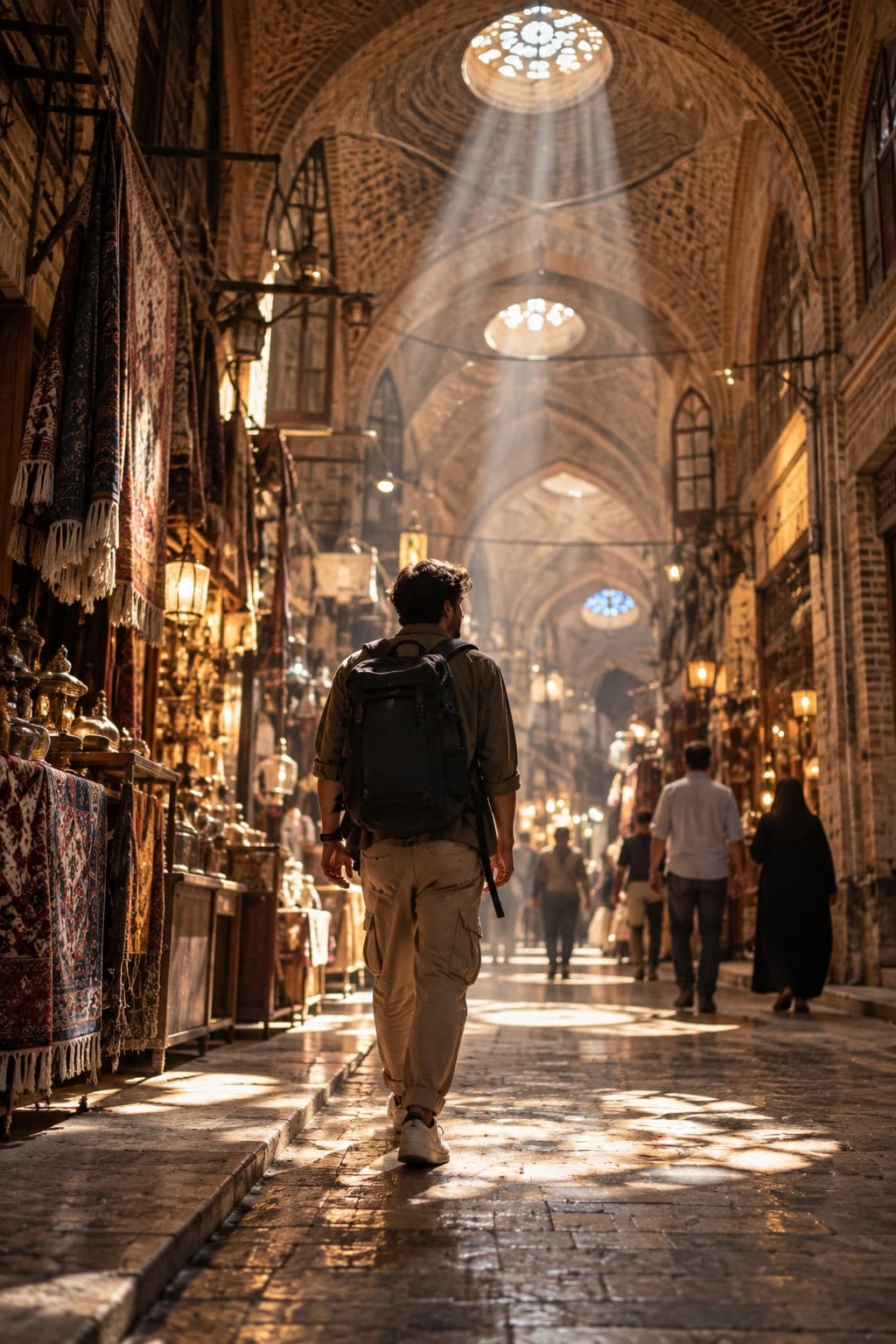
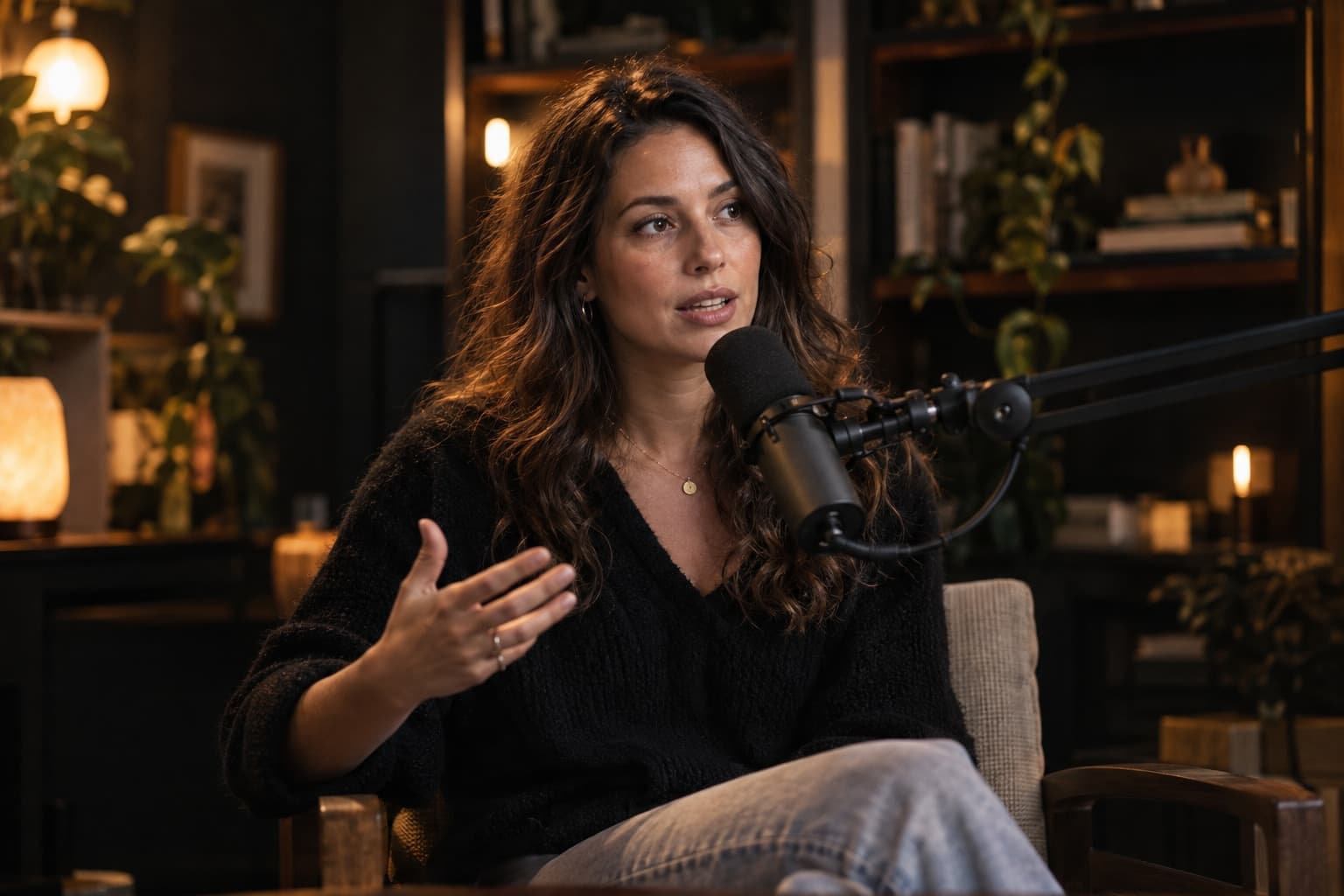
Exports for every platform: 9:16, 16:9 and 1:1
One shoot, several exports. The right settings for Instagram, YouTube, Aparat and ads.

The video for this lesson is coming soon
Until then, the written guide on this page covers every step.
Read the written guide01Formats at a glance02Instagram and TikTok03YouTube and Aparat04Ads and storefronts
In this lesson you'll learn
- Which format for which platform
- 1080p or 4K — when to use which
- Getting several formats from one edit
Written guide
The same lesson, step by step in writing — for when you can't watch.
Step 1: Choose the main format when editing
Styles have a default format, but you can choose another before the edit starts.
Step 2: Get a second version from the same project
On the project page choose Export in another format — the framing is re-composed for the new shape.
Step 3: Keep 4K for big screens
1080p is enough — and lighter — for social; use 4K for YouTube and large displays.